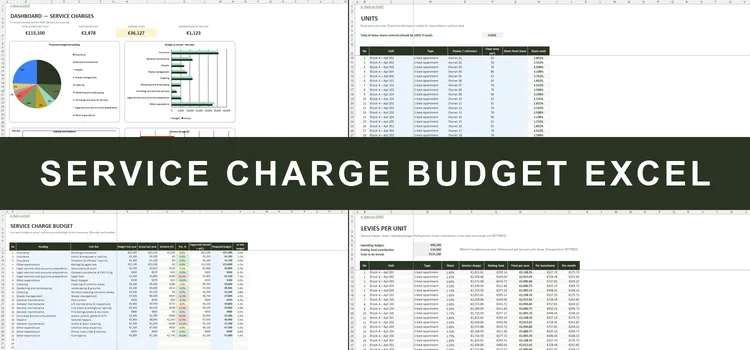
Service Charge Budget Excel
Budget, levies, arrears & sinking fund for OMCs
- Budget in the 9 categories of the MUD Act, vs actual
- Levy per unit from the lease share or floor area
- Arrears aged 0–30 / 31–60 / 61–90 / 90+ days
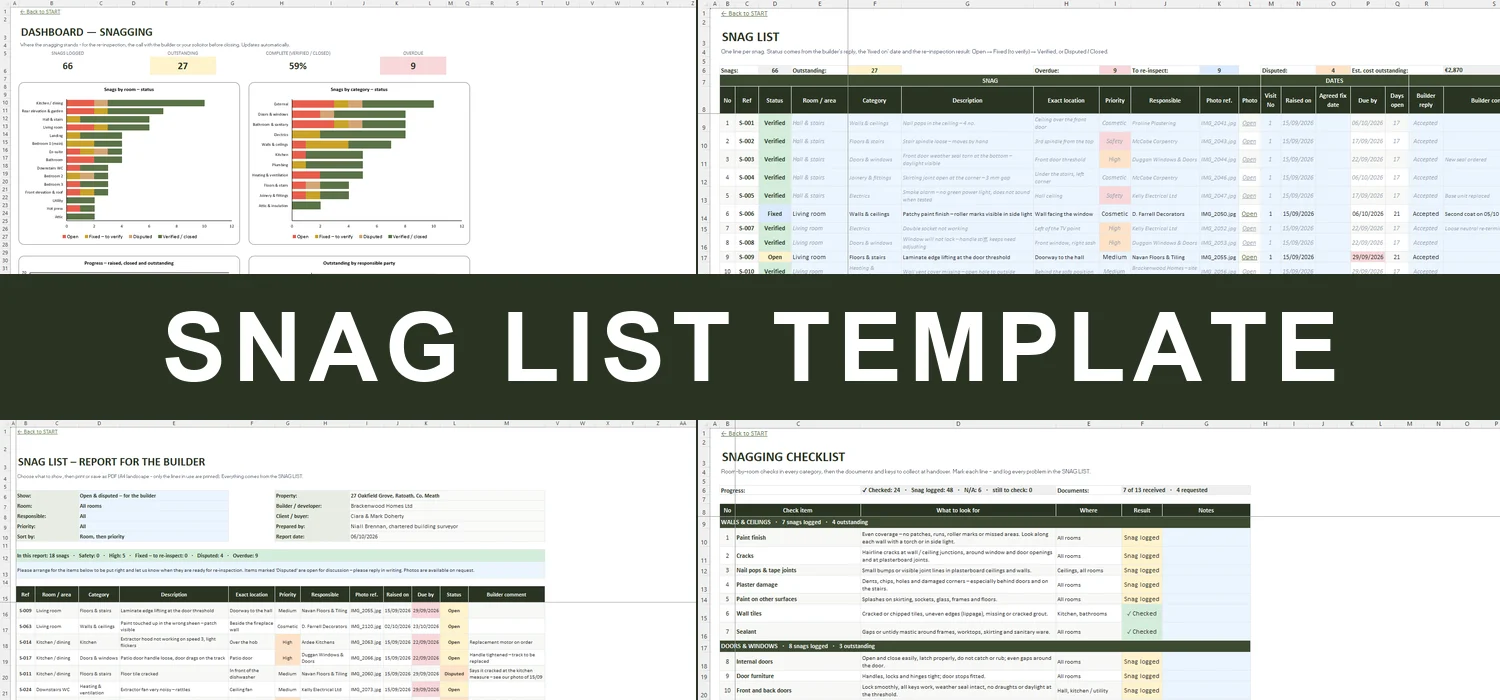
Room-by-room snag list for new homes and renovations – checklist, builder's report, re-inspections and dashboard


Walk the home room by room, log every snag with a photo reference and a priority, send the builder a clean report – and see at a glance what is fixed, verified, disputed or overdue before you close.
Most snag lists are a PDF or a long email. The builder fixes some items, says others are fine, a few are forgotten – and by the re-inspection nobody is quite sure which list is the latest, what was agreed or what is still open with closing a week away.
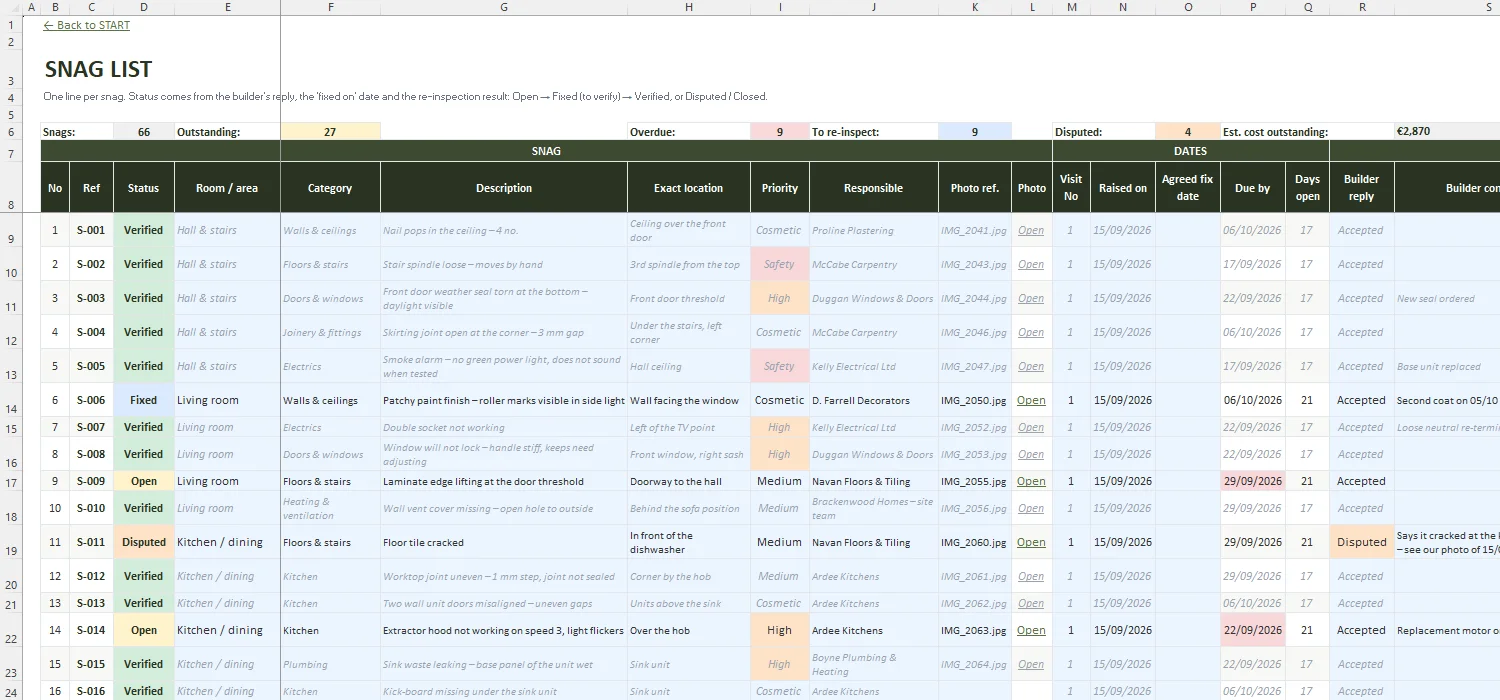
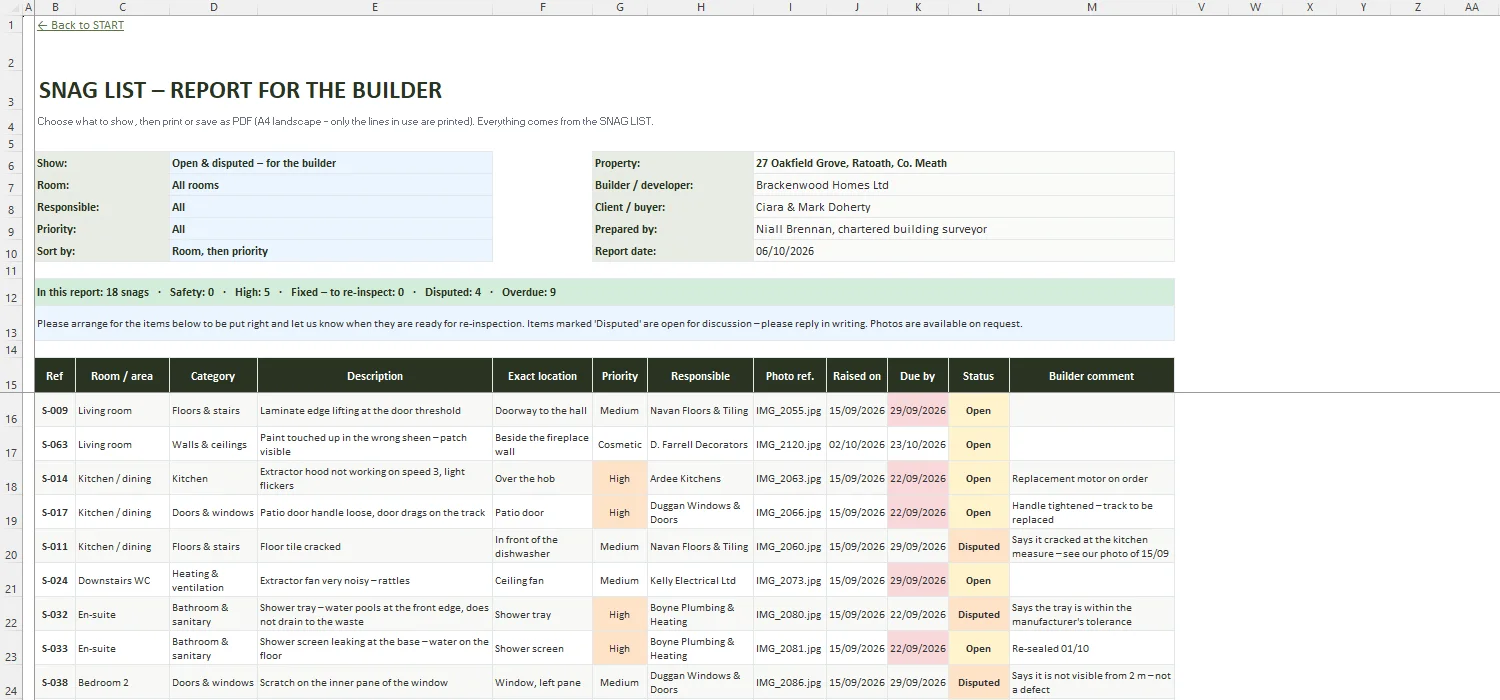
This workbook keeps the snagging in one place. Each snag gets a line with the room, category, description, exact location, photo reference, priority and the trade responsible. The builder's reply, the 'fixed on' date and the re-inspection result set the status automatically, with a due date and a next step for every item. A printable report for the builder, a visit log, a summary by room, category and trade, a room-by-room checklist and a dashboard with the countdown to closing come with it.
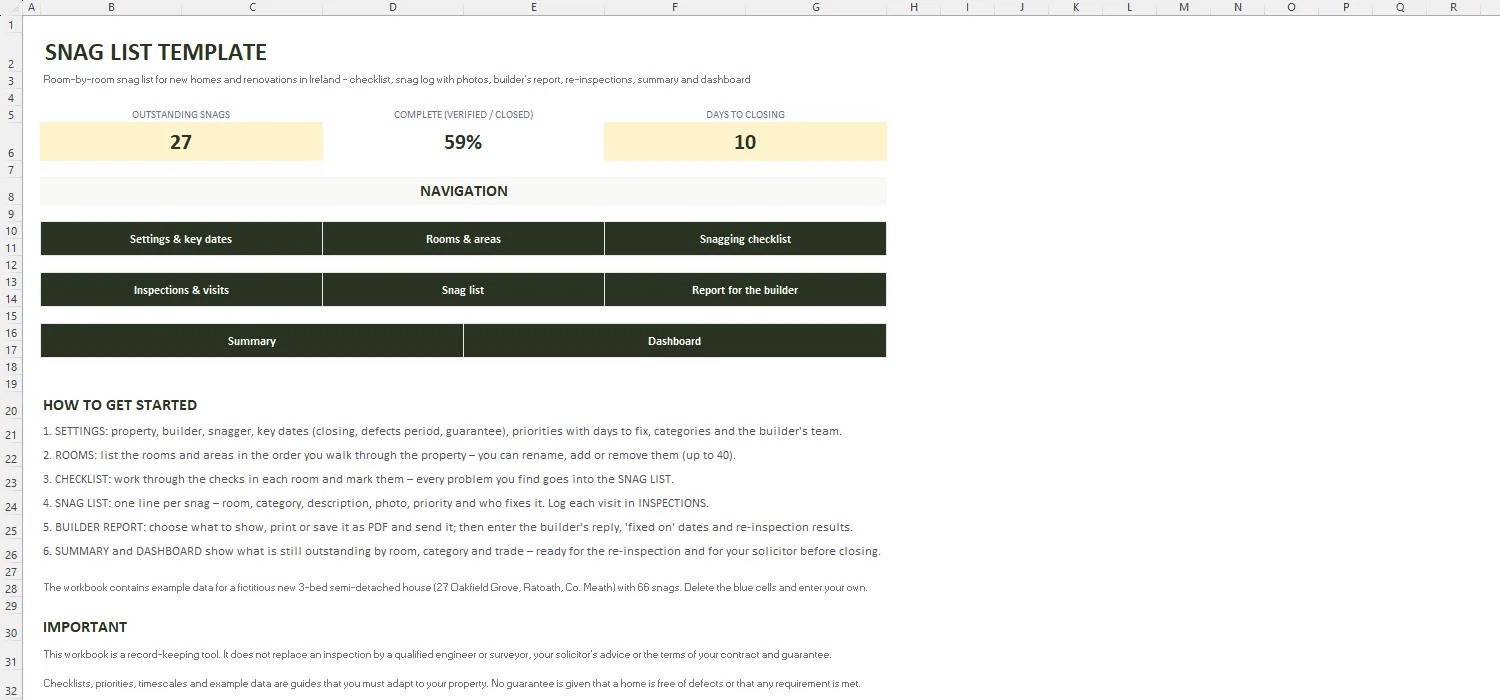
Key figures, quick links and a step-by-step guide.
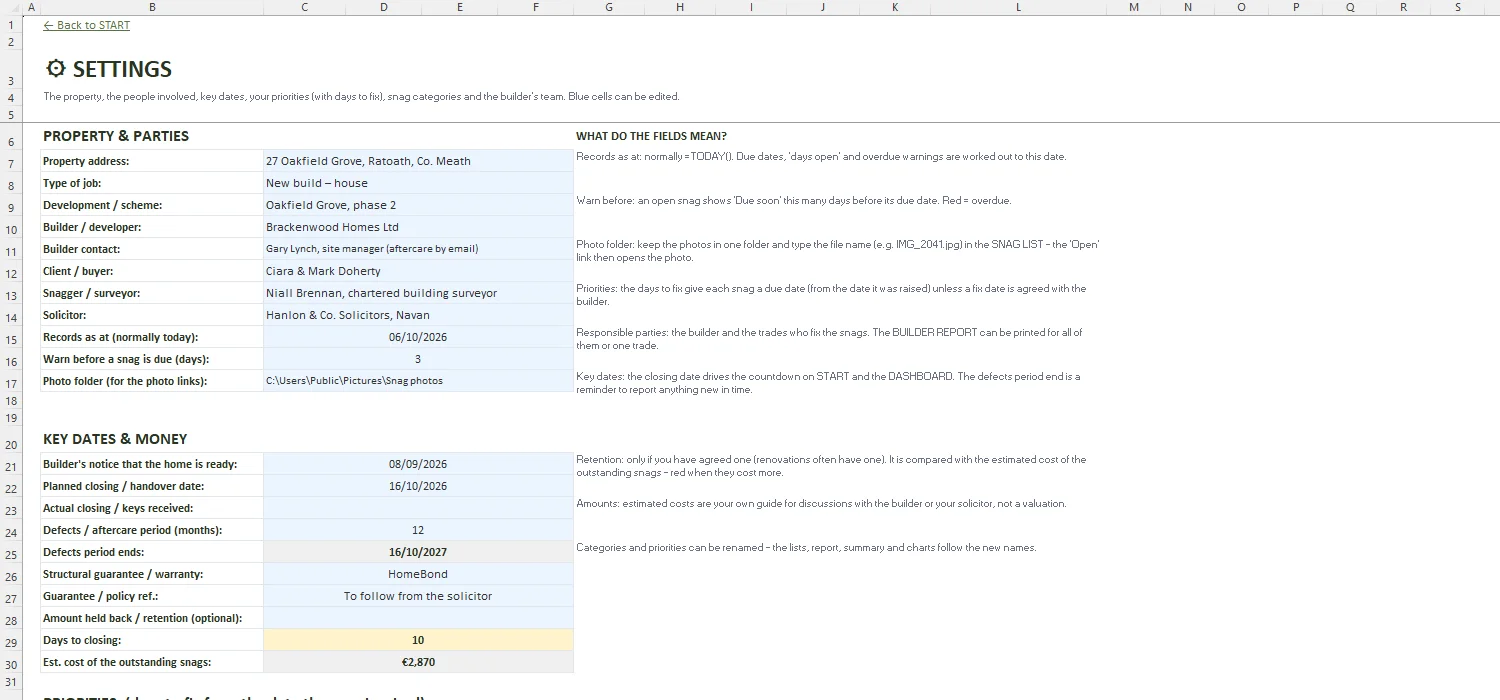
Property, builder, snagger and solicitor, key dates (closing, keys, defects period, guarantee, retention), priorities with days to fix, categories and responsible parties.
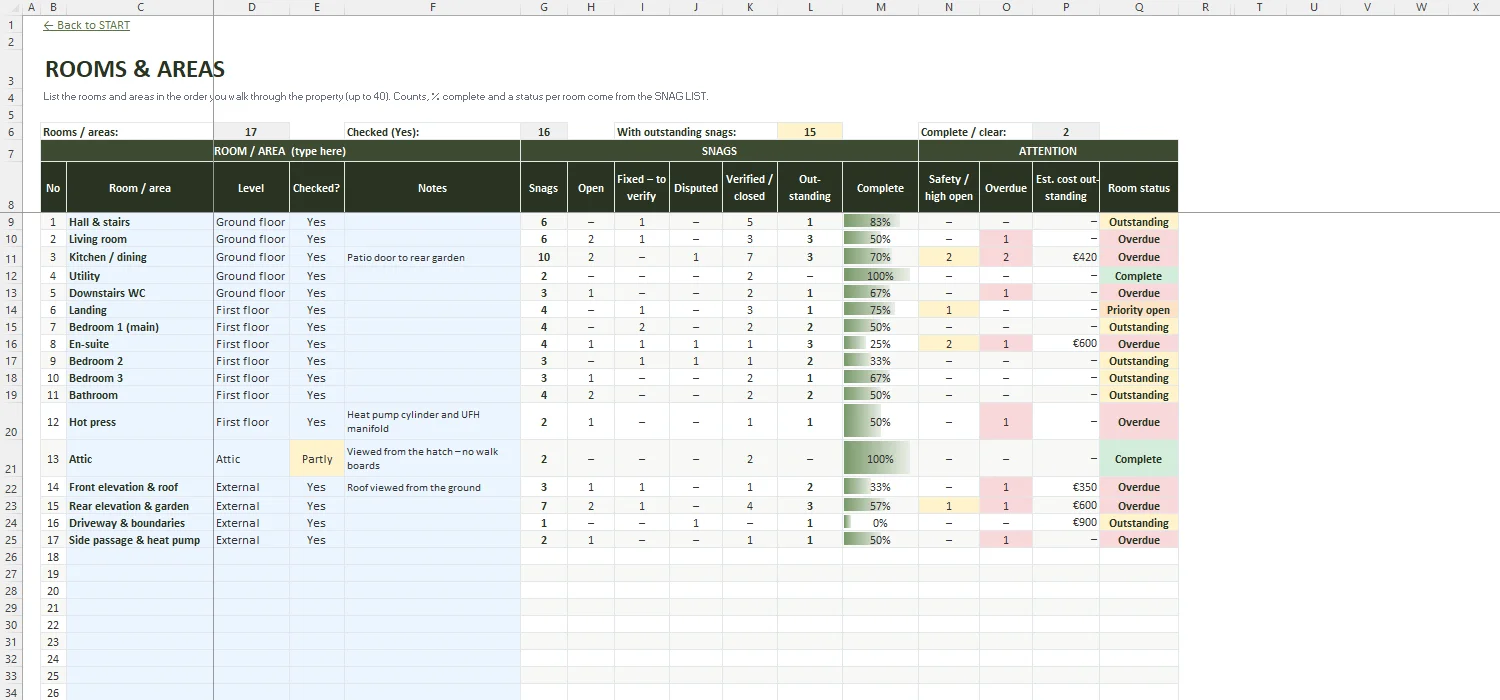
Your rooms and areas (up to 40) with snags, open, fixed, disputed, verified, % complete, overdue, estimated cost and a status per room.
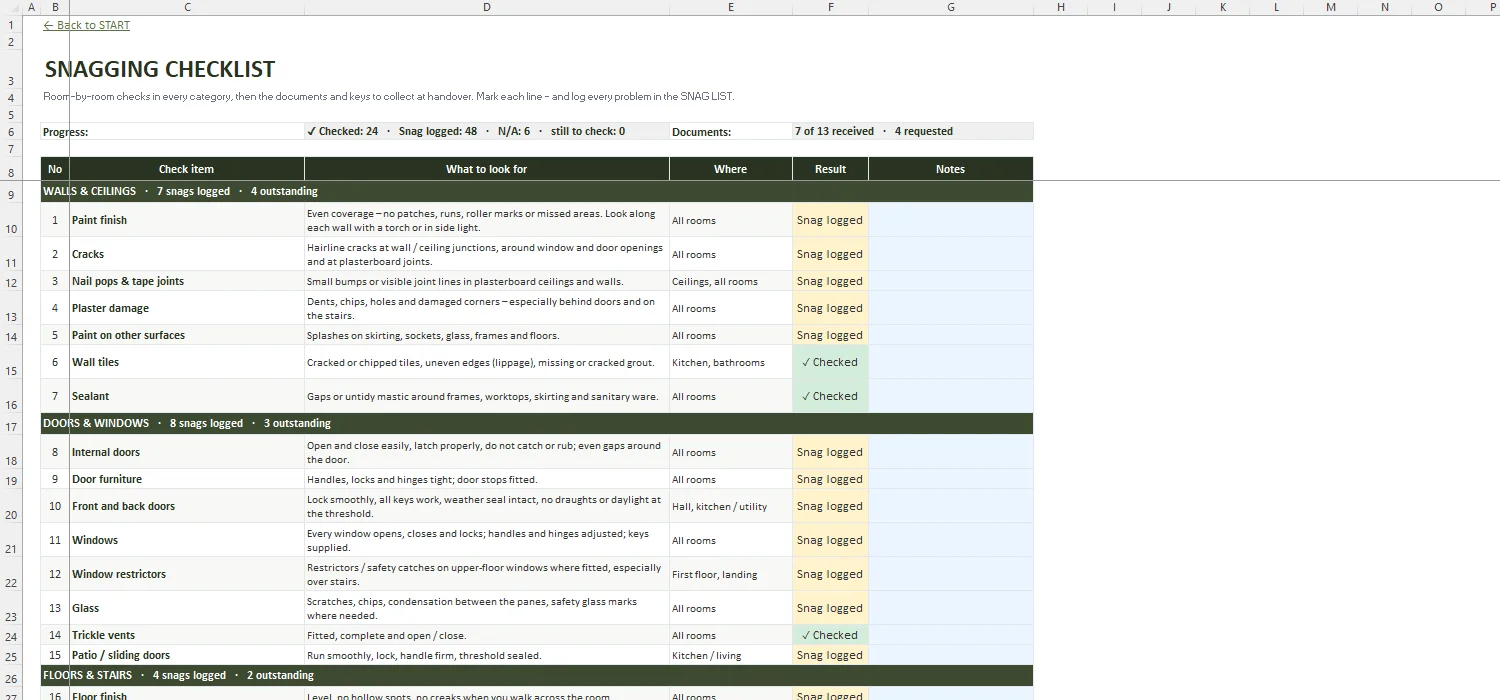
About 80 room-by-room checks in 12 categories, your own checks, and the handover documents and keys to collect.
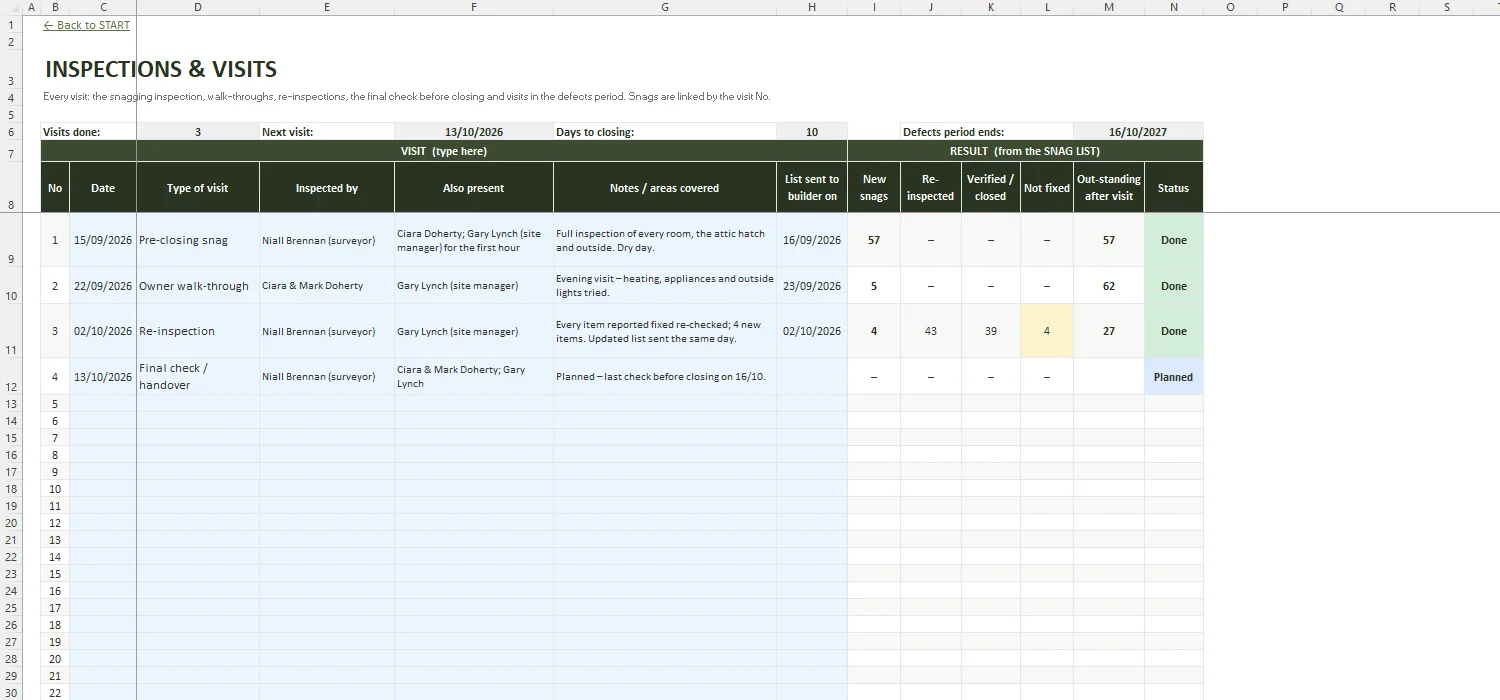
Every visit – snagging inspection, walk-through, re-inspection, final check, defects period – with new, re-inspected, verified and outstanding snags.
One line per snag: room, category, description, location, priority, responsible, photo link, dates, builder's reply, fixed on, re-inspection result, status and next step.
Printable report (A4 landscape) filtered by status, room, trade or priority and sorted – only the lines in use are printed.
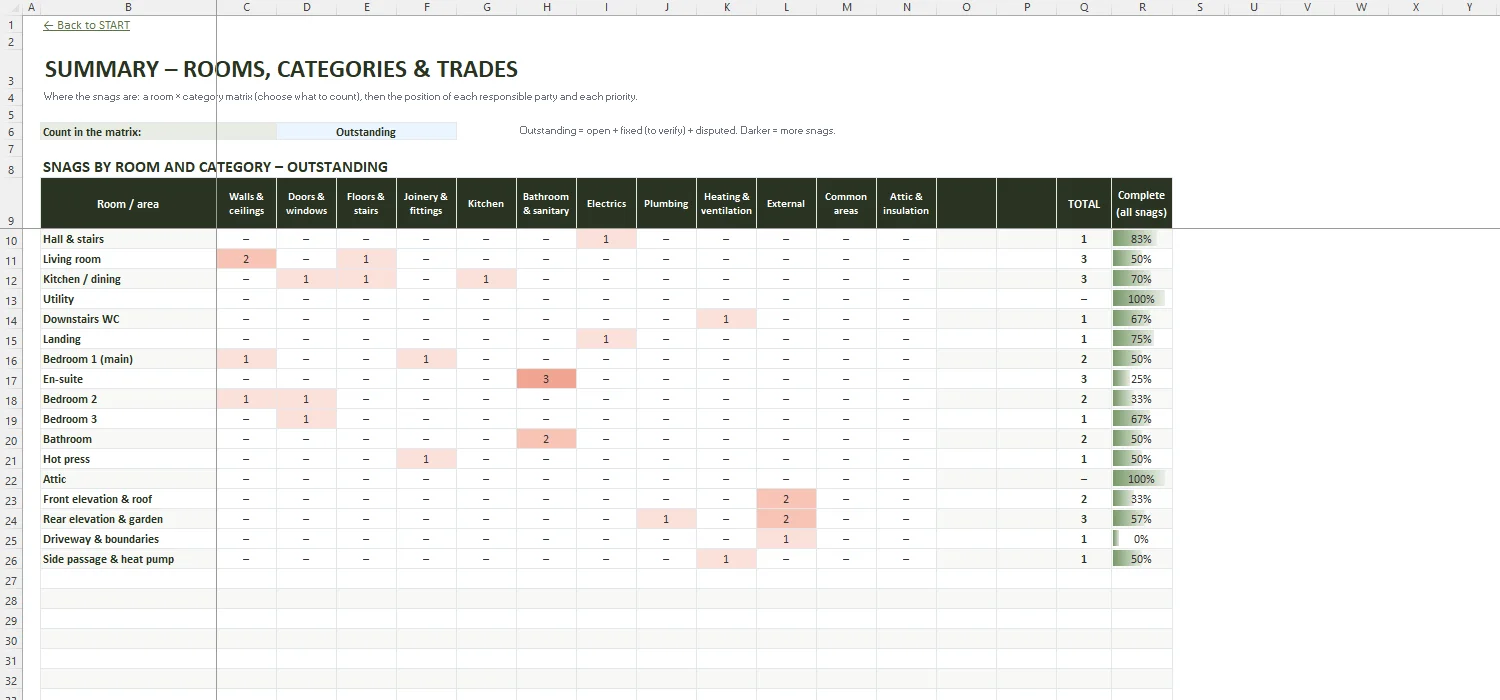
Room × category matrix (outstanding, all, open or overdue) and the position of each trade and each priority, with average days to fix.
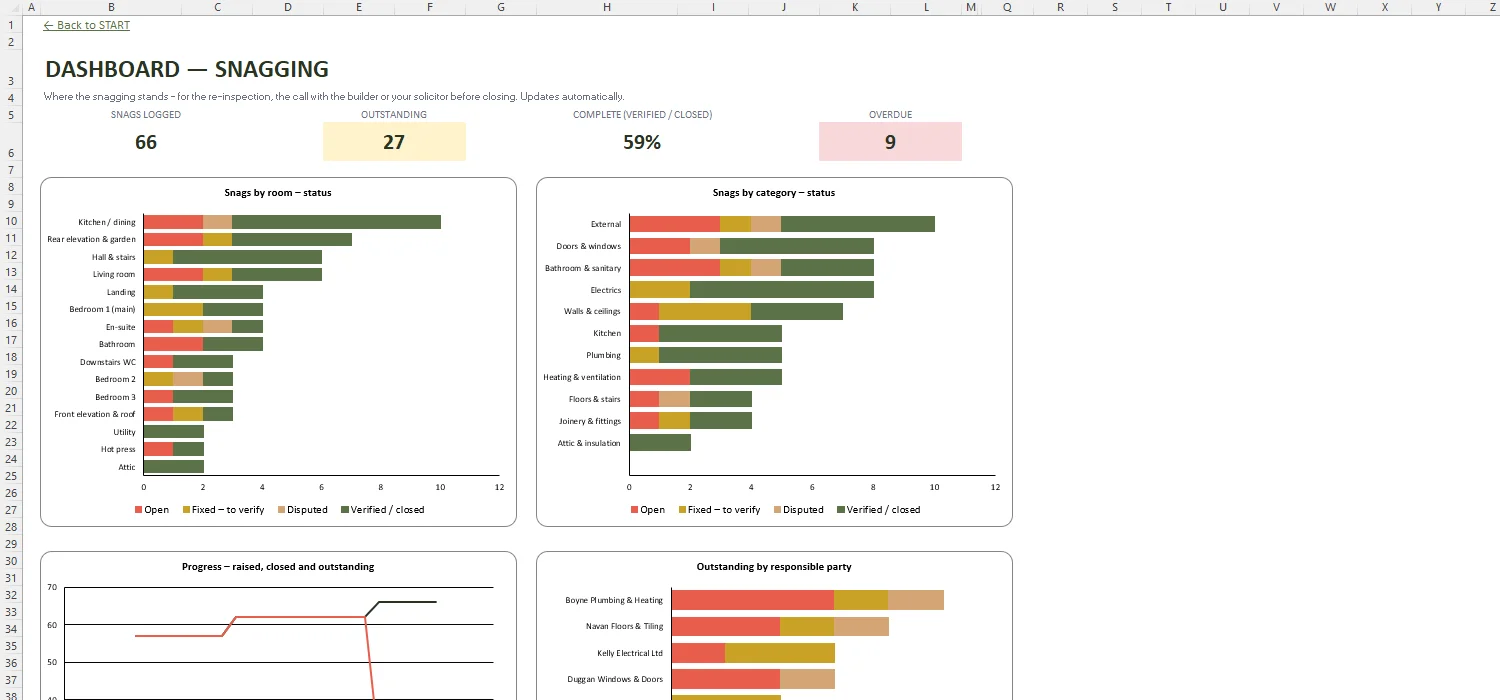
Snags logged, outstanding, % complete and overdue, with charts by room, category, responsible party and progress over time.
A snag list is a written record of defects, damage and unfinished work found in a new or renovated home – from paint marks and sticking doors to leaks or a smoke alarm that does not work. In Ireland it is usually prepared before closing on a new home and sent to the builder so the items are put right, then checked again at a re-inspection.
Go through the home room by room with a checklist, a torch and a camera. For each problem note the room, what is wrong, exactly where it is and a photo, and give it a priority. Add who should fix it and send the list to the builder. In this template you choose the room and category from lists, the due date follows from the priority, and the BUILDER REPORT prints the list ready to send.
Yes – many buyers walk the home themselves, and the checklist in this workbook helps you cover the usual items in every room. A qualified engineer or building surveyor will see things that are easy to miss, such as attic, insulation or fire-stopping issues, so many buyers use one and then keep their own record of the list and the re-inspections.
Professional snag list inspections in Ireland are commonly advertised from roughly €160 to €300, depending on the size of the home and the company – get a quote for your own property. This template does not replace that inspection; it helps you manage the list afterwards: replies, fixes, re-inspections and what is still outstanding.
For a new home the snag inspection is usually done once the builder says the home is finished and before closing, so there is time for the builder to fix the items and for a re-inspection. Anything found later can still be reported during the builder's aftercare or defects period – check your contract and guarantee for how and when.
No. It is a record-keeping tool: it shows clearly what was reported, when, what the builder replied and what has been verified. What the builder has to fix depends on your contract, the agreed specification and any guarantee – your solicitor or surveyor can advise you.
Budget, levies, arrears & sinking fund for OMCs
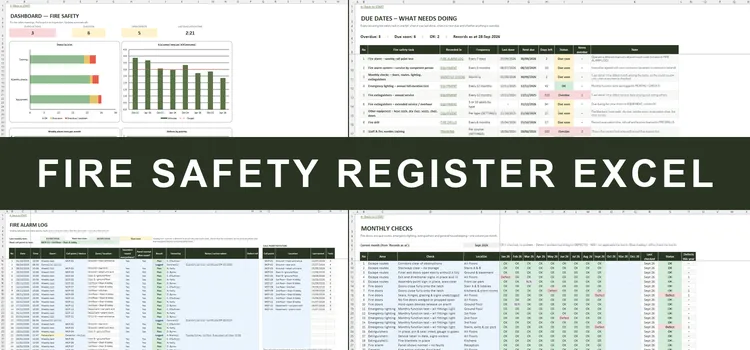
Fire safety log book with due-date alerts for Irish buildings
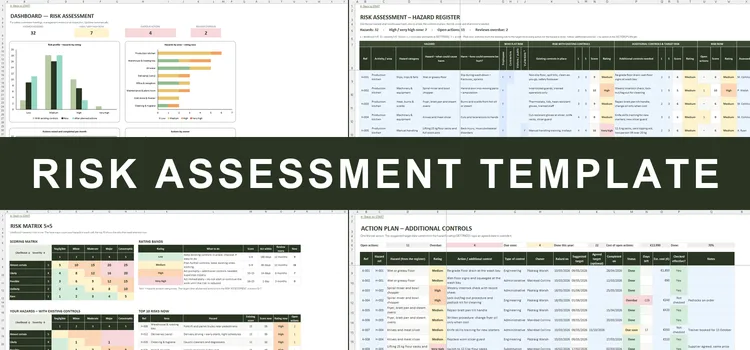
Hazard register, 5×5 risk matrix, action plan & Safety Statement checklist
Room-by-room snag list for new homes and renovations – checklist, builder's report, re-inspections and dashboard · €59
A snag list template lets you record every defect in a new home in the same way: room, description, location, photo and priority. This Excel version works as a snagging list template and a new build snagging checklist in one, with a snag list format the builder can read at a glance and a status for each item from open to verified.
Use it as a house snag list template for a new build in Ireland before closing, during the aftercare or defects period, or as a construction snag list for a renovation or extension – with re-inspections, a printable report for the builder and a summary of what is still outstanding by room, category and trade.